What is a VPN? How It Works and Why You Need One
A VPN encrypts your internet traffic and hides your real IP address. People use VPNs to protect privacy, bypass geo-restrictions, avoid censorship, and run cross-border e-commerce.
How Does a VPN Work?
A VPN (Virtual Private Network) is a service that creates an encrypted tunnel between your device and the internet. Think of it as a private, secure pipe that protects your data from prying eyes.

When you connect to a VPN:
- Your real IP address is hidden and replaced with the VPN server's IP
- All your internet traffic is encrypted, making it unreadable to hackers, ISPs, or anyone monitoring the network
- Websites see the VPN server's location instead of your actual location
Types of VPN
VPNs can be categorized based on who uses them and how they're deployed:
1. Remote Access VPN
Connects individual users to a private network from any location. The most common enterprise VPN type, enabling secure access to company resources.
- Employee connects from home/travel to company network
- Access internal databases, file servers, intranet
- Requires VPN client software on user's device
Primary users: Remote employees, contractors, IT administrators
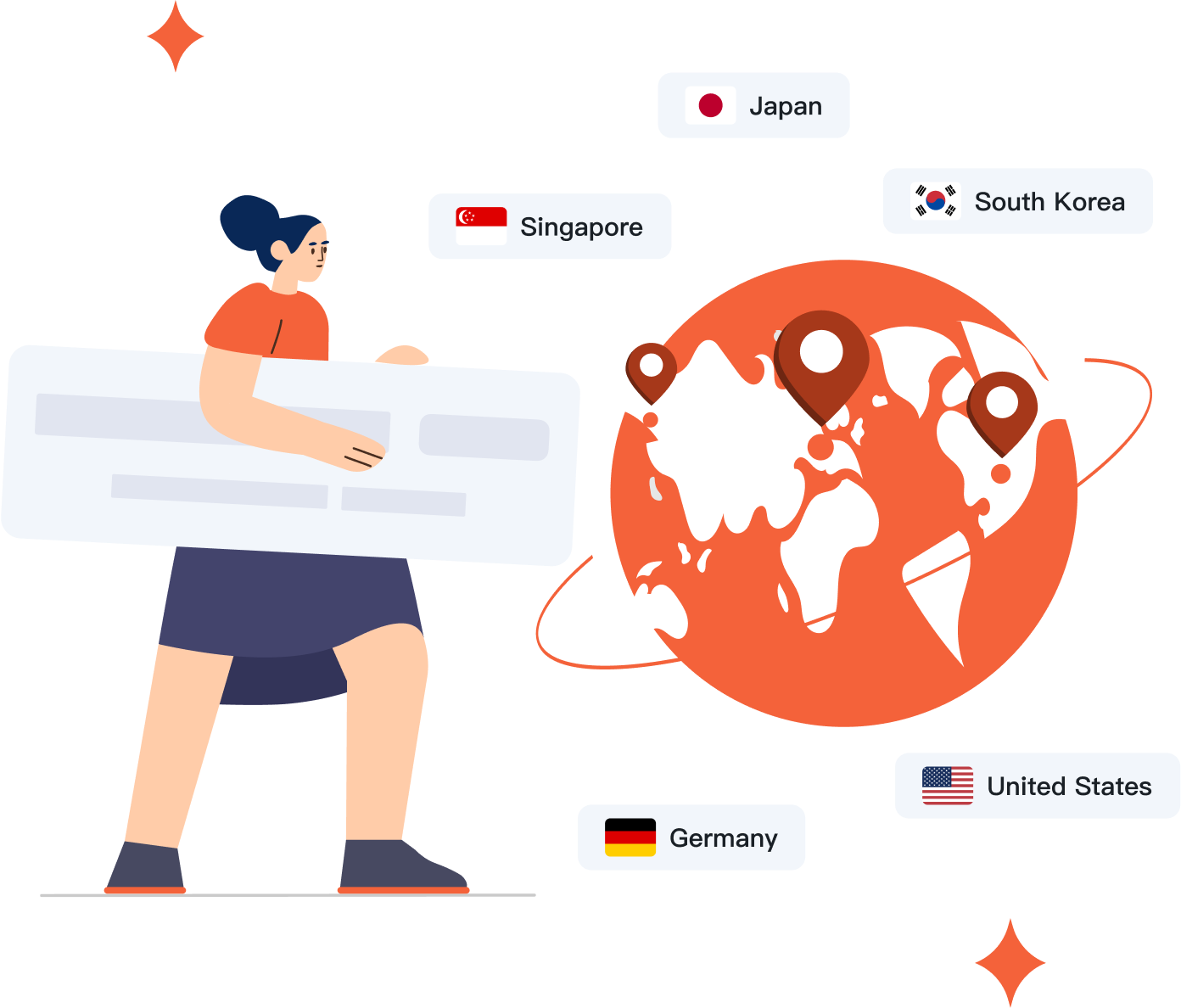
2. Site-to-Site VPN
Permanently connects entire networks across different physical locations. Creates a unified network infrastructure for organizations with multiple offices.
- New York office connects to London office network
- Resources shared as if on same local network
- Configured on network routers/firewalls, not individual devices
Primary users: Multi-location enterprises, branch offices

3. Consumer VPN
Personal VPN services for privacy and content access. Simple subscription model with apps for all devices — just pick a server and connect.
- Hides your IP address and encrypts internet traffic
- Access geo-restricted content while traveling
- Protects privacy on public Wi-Fi networks
Primary users: Individuals, travelers, privacy-conscious users
How Does a VPN Protect You?
When you connect to a VPN server, the server authenticates your identity and creates an encrypted tunnel for your data. All information passing through this tunnel is scrambled into code that only authorized parties can decode.
Most VPN apps let you choose which protocol to use in the settings. Each protocol has different trade-offs in terms of speed, security, and compatibility. Here are the common options you may see:
OpenVPN
The industry standard. Uses OpenSSL library for encryption and supports both TCP and UDP. Open-source code means anyone can audit it for vulnerabilities, ensuring transparency and trust.
WireGuard
A newer protocol with a streamlined codebase (about 4,000 lines vs 400,000+ for OpenVPN). Faster connection times and better battery life on mobile. Also open-source.
IKEv2/IPsec
Excels at maintaining connections when switching networks (e.g., from Wi-Fi to cellular). Built into most mobile operating systems, making it ideal for smartphones.
SSTP
Developed by Microsoft and built into Windows. Uses SSL/TLS over port 443, making it effective at bypassing firewalls. Limited cross-platform support.
L2TP/IPsec
Built into most operating systems for easy setup. Provides decent security when paired with IPsec, but slower than modern alternatives.
PPTP
An obsolete protocol with known security flaws. Only uses 128-bit encryption and has been cracked by security researchers. Avoid unless no other option exists.
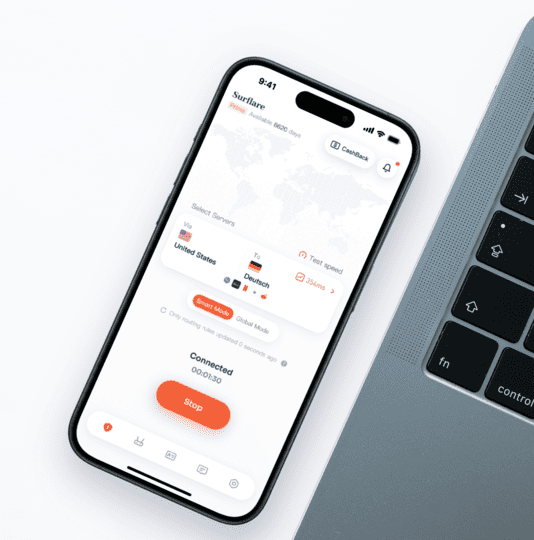
Advantages of paid VPN over free VPN
Paid VPN
Reliable paid VPNs prioritize user security and privacy, while free VPNs usually do not. If a VPN provider does not charge for their service, you may become the product rather than the customer. Providers may bombard you with ads, track your browsing activity, or even sell your data to advertisers for profit.
Free VPN
Free VPN providers typically do not invest much in security infrastructure, so using these services may put your data at risk. Surflare offers a range of cutting-edge features designed to protect your online security while providing lightning-fast connections. If you need help, our customer support team is available 24/7.
Enterprise VPN vs Consumer VPN
VPNs serve different purposes for businesses and individuals. Here's how they compare:
Why do people use VPNs?
VPNs were originally designed for businesses to allow employees to securely access company networks remotely. Today, personal VPN services have become popular for various reasons — though it's important to understand both what they can and cannot do.
A VPN encrypts your internet traffic and masks your IP address. Whether this is useful to you depends on your specific needs and circumstances.
Hide & change your IP address
Your IP address reveals your approximate location and can be used to track your online activity. A VPN replaces your real IP with the VPN server's IP, making it appear as if you're browsing from a different location.
Bypass geo-restrictions
Many streaming services, websites, and apps restrict content based on your location. By connecting to a VPN server in another country, you can access content that would otherwise be unavailable in your region.
Protect on public Wi-Fi
Public Wi-Fi at airports, cafes, and hotels is often unencrypted. Attackers could intercept your data through man-in-the-middle attacks. A VPN encrypts all your traffic, keeping it secure.
Privacy from ISPs
Your ISP can see every website you visit. In many countries, ISPs collect and sell this data. A VPN prevents your ISP from seeing your browsing activity.
We keep no logs. All VPN connection data — including IP addresses, session info, and browsing activity — is processed in RAM only, never written to disk. Every server restart automatically clears all in-memory records, ensuring nothing persists.
Secure remote work
Businesses use VPNs to let employees securely access company networks from home or while traveling.
Avoid price discrimination
Some websites show different prices based on your location. By changing your virtual location, you may find better deals on flights, hotels, and more.
Common Misconceptions About VPNs
There are many myths about what VPNs can and cannot do. Let's set the record straight:
"A VPN makes me completely anonymous online"
A VPN hides your IP address and encrypts your traffic, but it cannot protect information you voluntarily share — like logging into accounts, filling out forms, or accepting cookies. Websites can still track you through other methods.
"A VPN will speed up my internet"
Actually, the opposite is usually true. VPNs add encryption overhead and route traffic through additional servers, which typically results in slightly slower speeds. However, the difference is often minimal with modern protocols like WireGuard.
"A VPN protects me from all online threats"
VPNs encrypt your connection but cannot protect you from viruses, malware, phishing attacks, or malicious websites. You still need antivirus software and safe browsing practices.
"Free VPNs are just as good as paid ones"
Free VPN providers need to make money somehow. Many do so by showing ads, limiting speeds, or — in worst cases — selling your browsing data. If you're not paying for the product, you might be the product.
Frequently asked questions about VPNs
Ready to protect your privacy?
Try Surflare VPN risk-free. If you're not satisfied, get a full refund within 7 days.