Download VPN for iPhone and iPad
- One-tap connection to secure your iOS device instantly.
- Protect your privacy on public Wi-Fi networks.
- Access global content from anywhere on your iPhone or iPad.


What is a VPN for iPhone/iPad?
A VPN for iPhone encrypts your mobile internet connection and hides your IP address, keeping your online activities private whether you're at home, at work, or on the go. With Surflare, your iPhone becomes a secure portal to the internet, protecting everything from your messages to your banking apps.
How to set up Surflare VPN on iPhone/iPad
Requirements: iOS 15.0+
App Store availability
Apple Store has removed VPN apps from China, Russia, Iran, Turkmenistan, etc.
If the Surflare iOS app is not available in your country's App Store, you can download Surflare by changing your Apple ID's location.
How to change your iOS App Store's location?
Get protected on your iPhone in under a minute with these simple steps.
Step 2 - Download from App Store
Get the Surflare app from the App Store and allow VPN configuration.
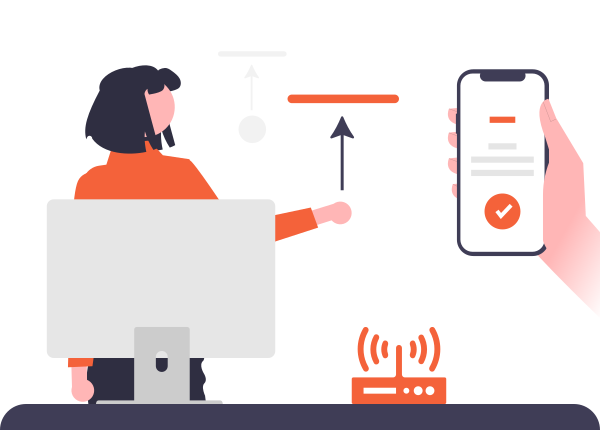
Step 3 - Tap to connect
Open the app, sign in, and tap the connect button to go secure.
Start your free trial on iPhone
Protect your iPhone without any upfront cost. Our free trial gives you full access to all premium features. No credit card needed — just download from the App Store and start browsing securely.
Start Free Trial
Travel freely with your iPhone
Whether you're traveling for business or pleasure, Surflare keeps you connected to home. Access your favorite apps, streaming services, and banking apps from anywhere in the world — just like you never left.
- Access your home country's apps and services abroad
- Bypass hotel and airport Wi-Fi restrictions
- Keep your banking and financial apps working
- Stay connected to local content while overseas

Unlock social media on your iPhone
Content creators and social media managers use Surflare to access platforms without restrictions. Manage international accounts, go live to global audiences, and explore trending content from different regions.
- Access TikTok, Instagram, YouTube without geo-blocks
- Manage multiple regional social media accounts
- Discover trending content from other countries
- Go live to international audiences on mobile
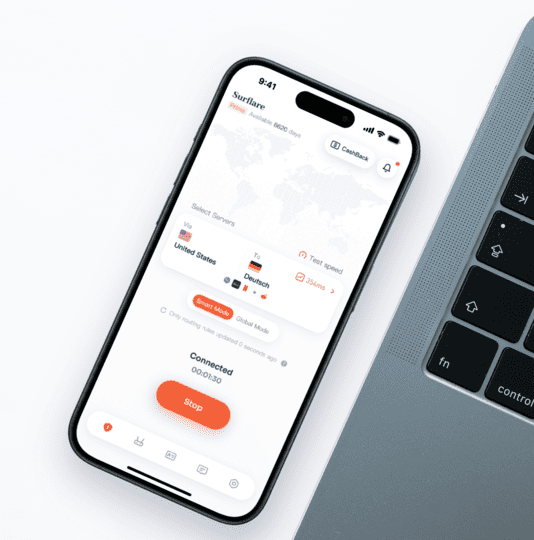
Stay secure on every Wi-Fi network
Your iPhone connects to dozens of Wi-Fi networks — coffee shops, airports, hotels, and more. Each one is a potential security risk. Surflare automatically protects your connection, keeping hackers away from your personal data.
- Automatic protection on untrusted networks
- Encrypt all data leaving your iPhone
- Prevent man-in-the-middle attacks
- Secure your passwords, messages, and photos
Optimized for iPad/iPhone performance
Surflare is designed to be lightweight and battery-friendly. Our iOS app uses efficient protocols that minimize battery drain while maintaining fast, stable connections throughout your day.
- Minimal battery impact with smart protocols
- Fast connection speeds even on cellular
- Seamless switching between Wi-Fi and mobile data
- Background protection without slowing your phone
Dedicated IP for mobile live streaming
Live streamers and social media influencers on iPhone need stable, unique IPs. A dedicated IP ensures your streaming accounts stay safe from association bans while you go live to audiences worldwide.
- Prevent account association and bans
- Stable connection for uninterrupted live streams
- Manage multiple social accounts on mobile
Try Surflare on iPhone risk-free
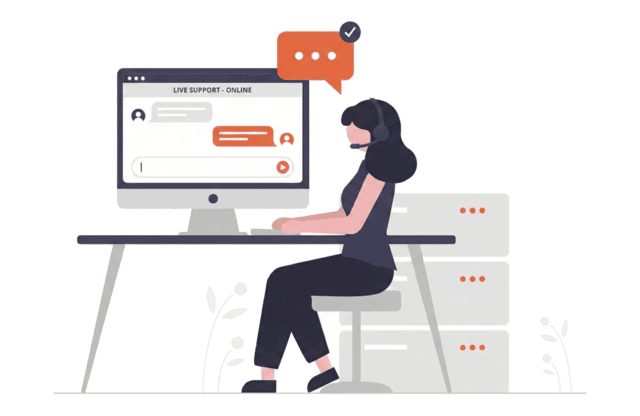
Download Surflare and experience premium VPN protection on your iPhone. With our 7-day money-back guarantee, you can test all features with complete peace of mind. Our support team is available 24/7 to assist you.
- 7-day money-back guarantee
- 24/7 live chat support
- Easy setup guides for iOS
- Use on up to 5 devices with one account