How to enable your free trial

STEP 1
Download the app
To start your free plan, download the Surflare app.
STEP 2
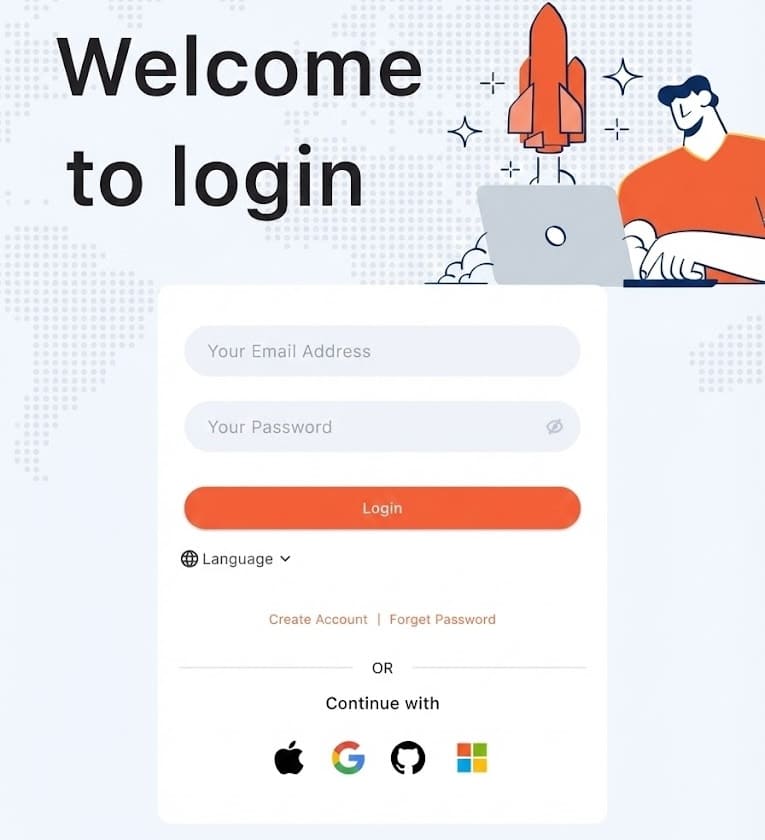
Create and log into your account
STEP 3
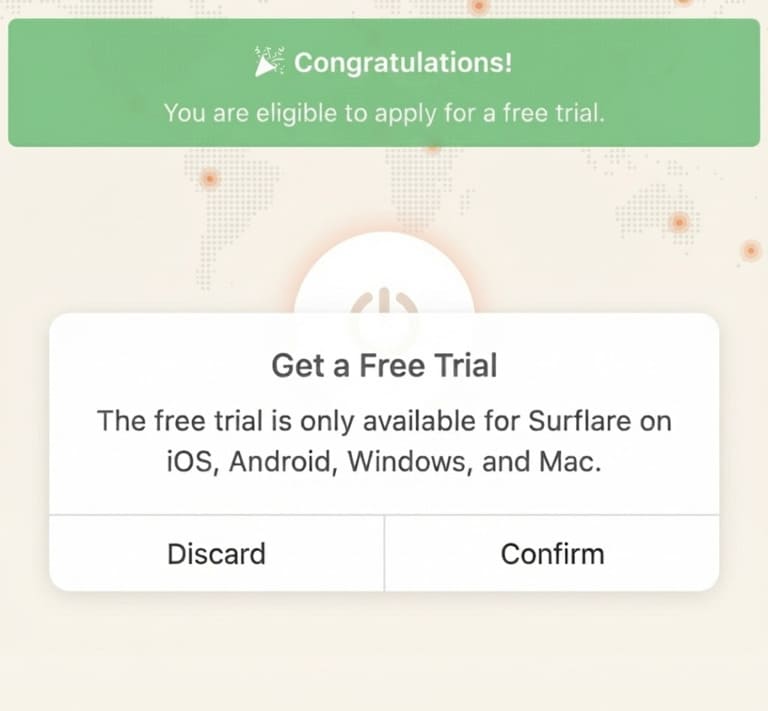
Start your free trial
Open the app, login then click on Apply Free Trial.
Noted:
1. The free trial is only available through the App on iOS, Android, Mac, Windows.
2. Free trials are exclusively for first-time users. Creating multiple trial accounts will result in termination of all free trials.
3. Only public email addresses from major providers are supported (e.g. Gmail, Outlook, Yahoo, 163, Foxmail, Yandex, Naver, etc.).