Sivor Veyron

VPN Privacy Truths — Part 3
1. Introduction: “Incognito” — But Not Invisible
Every browser has it — that dark-themed window promising a private experience. Incognito Mode, Private Browsing, InPrivate Window… no matter what it’s called, most people assume the same thing: open that window, and your online activities become invisible.
But here’s the truth: Incognito Mode only hides your browsing locally — from others who use your device. It doesn’t hide you from your Internet Service Provider (ISP), your employer’s network, or the websites you visit.
A VPN, on the other hand, protects your privacy beyond your browser — across your entire internet connection. It encrypts your traffic, masks your IP address, and hides your online behavior from the outside world.
So, what’s really happening when you go “incognito,” and why does it still leave you exposed? Let’s break down the key differences.
2. What Incognito Mode Actually Does
Incognito Mode is a local privacy feature. Think of it as a temporary guest session for your browser.
When you open an incognito window, your browser:
- Doesn’t save your browsing history or search history after you close it.
- Doesn’t store cookies or form data once the window is closed.
- Lets you log in to multiple accounts at once (e.g., two Gmail logins).
That’s it.
It’s great for keeping your activity private from other people who share your computer — like a family member or coworker — but it doesn’t provide anonymity or encryption.
When you’re in Incognito Mode:
- Your ISP can still see every website you visit.
- Your employer, school, or network admin can still track your traffic.
- The websites you visit can still see your IP address and fingerprint your browser.
- Advertisers can still identify you using unique device data.
Incognito Mode cleans your tracks on your own machine, not on the internet.
3. What a VPN Does Instead
Now imagine you add a VPN to the picture.
A VPN (Virtual Private Network) creates an encrypted tunnel between your device and the VPN server. Everything that passes through it — websites, apps, or even other browsers — travels inside this secure tunnel.
When you use a VPN:
- Your IP address is hidden — websites only see the VPN server’s IP, not yours.
- Your data is encrypted, preventing ISPs or hackers from reading it.
- Public Wi-Fi connections become safe, even in cafés or airports.
- Your location appears different, letting you access region-restricted content.
In other words, a VPN protects your entire network connection, not just your browser history.
Analogy: Incognito Mode wipes your desk clean after you leave. A VPN builds a locked office around your desk so no one can peek while you’re working.
4. Incognito Mode Myths — Debunked
🧩 Myth 1: “Incognito makes me anonymous.”
False. Your identity is still visible to your ISP, your IP address doesn’t change, and websites can track you via your browser fingerprint or login data.
🧩 Myth 2: “Incognito hides my IP address.”
Wrong. Incognito doesn’t alter your network path at all — your IP remains fully visible.
🧩 Myth 3: “Incognito + VPN = overkill.”
Actually, this combo is perfect. Incognito stops your browser from saving data locally, while VPN hides your online identity from the outside world. Using both gives you privacy inside and outside your device.
5. The Technical Layer: Browser vs Network
Here’s where the difference becomes clear.
| Feature | Incognito Mode | VPN |
|---|---|---|
| Protects local history | ✅ Yes | ✅ Yes (indirectly) |
| Hides IP address | ❌ No | ✅ Yes |
| Encrypts traffic | ❌ No | ✅ Yes |
| Hides from ISP | ❌ No | ✅ Yes |
| Applies to all apps | ❌ Only browser | ✅ System-wide |
| Blocks trackers/ads | ⚠️ Partially | ✅ Often built-in |
| Prevents Wi-Fi snooping | ❌ No | ✅ Yes |
| Stops fingerprinting | ⚠️ Limited | ✅ Reduced with masked IP |
So while Incognito Mode is just a browser feature, a VPN is a network-level security layer. The VPN encrypts all data before it leaves your device, meaning even your ISP or public Wi-Fi operator can’t read what you’re sending.
6. Real-World Scenarios
🏢 At Work
You open Incognito Mode to check personal emails. Your company network still logs your access — their firewall sees every site you visit.
With a VPN: your traffic goes through the encrypted tunnel, bypassing employer monitoring (within company policy).
☕ In a Café
You browse on public Wi-Fi using Incognito. Anyone sharing the network can intercept unencrypted traffic.
With a VPN: your connection is fully encrypted, protecting credentials and data.
🏠 At Home
You research medical topics using Incognito. Your ISP still records every domain request.
With a VPN: your ISP only sees encrypted traffic going to a VPN server — not the sites you visit.
In all cases, Incognito alone provides privacy from your browser, not privacy from the world.
7. Why the Confusion Exists
Browser companies market Incognito Mode as “private browsing,” but “private” here means temporary, not invisible.
The problem is psychological — that dark theme gives users a false sense of total anonymity. Many people believe it hides them from employers, schools, or governments — when it doesn’t.
VPNs operate one layer deeper — the network layer — where real privacy and encryption happen. Understanding this difference is key to managing your digital footprint intelligently.
8. The Perfect Pair: Incognito + VPN
If privacy is a layered system, think of it like clothing:
- Incognito is your inner layer — keeping your local history clean.
- VPN is your outer armor — protecting your connection from being watched or intercepted.
Use both together and you get the best of both worlds:
- No browser history or cookies saved locally.
- No external visibility of your online activity.
It’s not about paranoia; it’s about digital hygiene. The same way you lock your phone or shred sensitive documents, encrypting your traffic is simply good practice.
9. Quick Summary
| Visibility | Without VPN | Incognito Only | VPN Only | VPN + Incognito |
|---|---|---|---|---|
| ISP can see websites | ✅ Yes | ✅ Yes | ❌ No | ❌ No |
| Websites know your IP | ✅ Yes | ✅ Yes | ❌ No | ❌ No |
| Browser saves history | ✅ Yes | ❌ No | ✅ Yes | ❌ No |
| Public Wi-Fi can snoop | ✅ Yes | ✅ Yes | ❌ No | ❌ No |
| Local privacy | ❌ No | ✅ Yes | ✅ Partial | ✅ Yes |
| True anonymity | ❌ No | ❌ No | ⚠️ Partial | ✅ Best combination |
The takeaway: Incognito protects your privacy at home. VPN protects your privacy everywhere else.
10. Conclusion — Real Privacy Happens Beyond Your Browser
Incognito Mode and VPNs are not competitors — they solve different problems. One clears your traces; the other conceals your path.
If you truly care about privacy, combining both creates the foundation for safe, confident browsing.
And when it comes to choosing a VPN, trust the one built for people who value real privacy over promises.
Surflare — Privacy, Simplified.
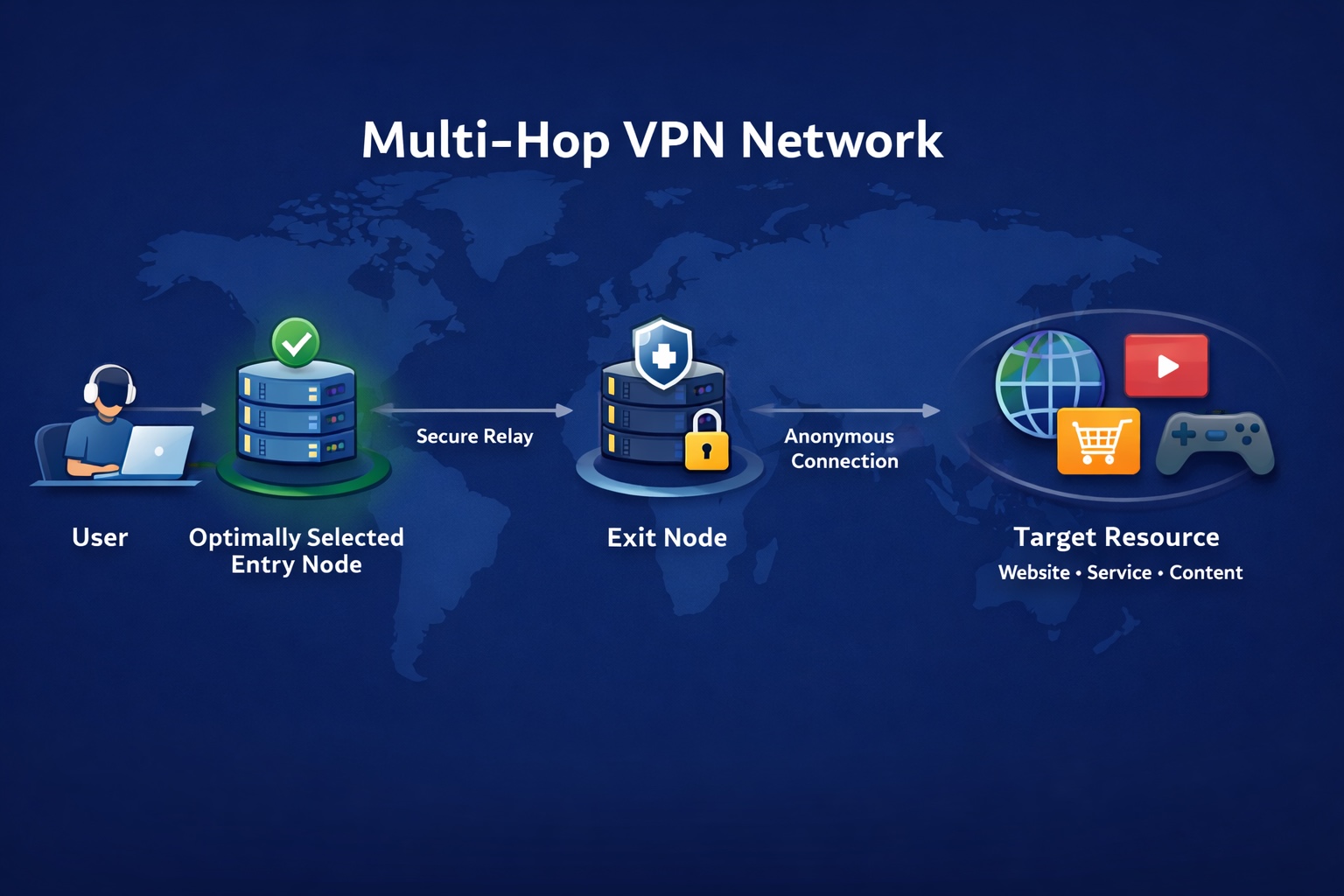
Surflare is engineered for users who take privacy seriously — combining advanced encryption, RAM-only servers, multi-hop routing, and built-in leak protection. It’s simple, secure, and designed to make you invisible where it matters most — beyond your browser.
Try Surflare — Sign In / Start