Use Your Dedicated IP in Surflare App
Once you get a Dedicated IP, connect to it directly in the Surflare app across all your devices. No extra setup, no shared-IP bans or CAPTCHAs.
- Avoid CAPTCHAs and IP-based restrictions
- Prevent account bans caused by shared IPs
- Better for e-commerce, live streaming, and social media
Feature Available On

Windows

macOS
Linux

Android

iOS

Router
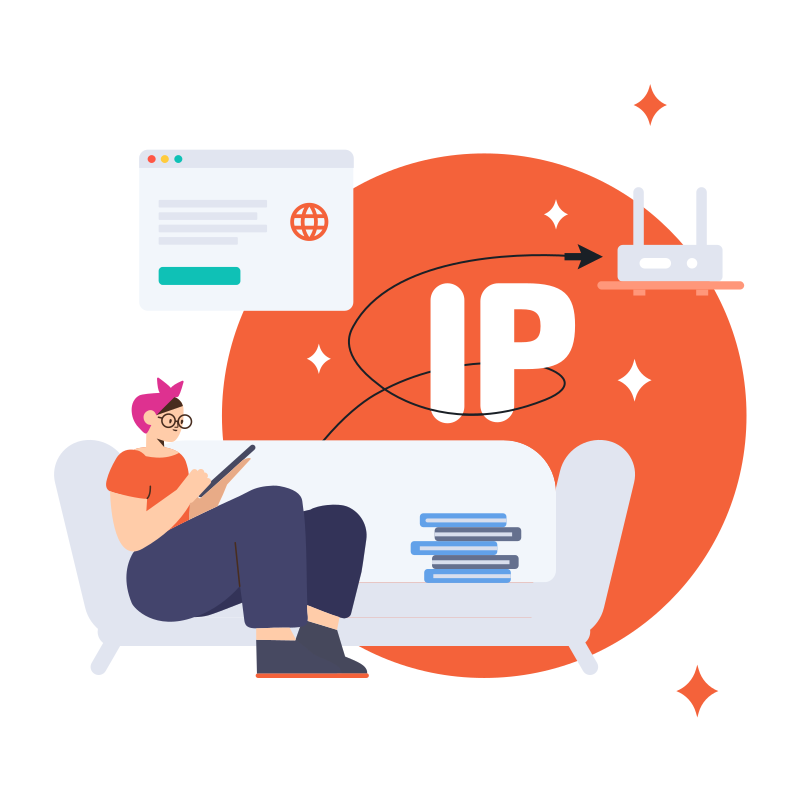
What is Dedicated IP?
Dedicated IP (Internet Protocol) is a unique IP address exclusively assigned to a single user or account.
Unlike shared IPs that rotate among multiple users, a dedicated IP is static and remains constant over time. Typically provided by VPN services or other hosting providers as an add-on service.
Why Use Dedicated IP?
Dedicated IP provides a fixed and dedicated address, making your Internet connection more stable and reliable.

When multiple users share a VPN server, websites may flag your access and send more CAPTCHAs. A fixed Dedicated IP can avoid this issue, letting you enjoy a smoother online experience.

Shared IPs enhance privacy but come with risks from other users. Dedicated IP prevents unauthorized access and blocks issues caused by others, ensuring stable access for e-commerce, live streaming, and business operations.

For social media operations like content creation and live streaming on TikTok, Facebook, and Instagram, using a residential IP can help you gain better platform visibility and reach.

Dedicated IP vs Shared IP
When you connect to a regular VPN server, you're using a Shared IP. The same server address is used by many other users at the same time.
The main difference between Dedicated IP and Shared IP is the number of users.
A Dedicated IP is a static address assigned exclusively to one user, while a Shared IP is typically used by an unlimited number of users.
Datacenter IP vs Residential IP
We offer two types of Dedicated IPs, Datacenter IP and Residential IP, each suited for different use cases. Choose the one that best fits your needs.
Datacenter IP
- Avoids account bans caused by shared IPs
- Ideal for e-commerce operations
- Ideal for services requiring a dedicated static IP
- More affordable pricing
Residential IP
- Assigned by real ISPs
- Higher authenticity, lower detection risk
- Reduces account ban risk on Facebook, TikTok, etc.
- Better visibility for live streaming and social media
Surflare Dedicated IP Locations
Get a dedicated IP in 3 steps
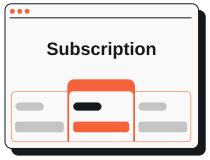
Before purchasing a dedicated IP, ensure you have an active Surflare VPN subscription.
Get a Plan
Select the region of your dedicated IP and place your order. IP allocation typically takes 5-30 minutes.
Go to purchase dedicated IP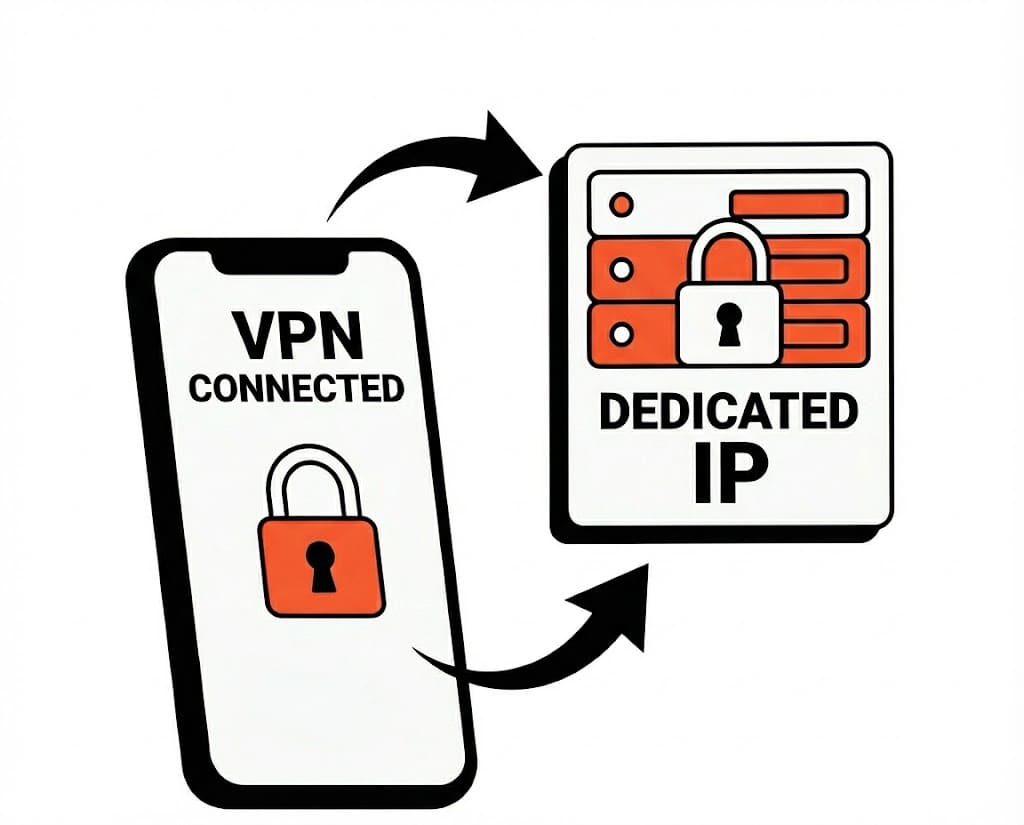
Once your dedicated IP is allocated, connect to the node with the dedicated IP in Surflare App/Router.
Get Your Dedicated IP
Enjoy a stable, exclusive IP address for your business and personal needs.